Tactic 01
Built to be forgotten
Interfaces are designed to be glanced at once and never opened again.
Bills & subscriptions, handled
Understand where your money goes. BillCrunch exists to make sure you notice every bill, every renewal, and every creeping total before it costs you.
Free to download. No sign-up. Works offline.
Instead they think they pay only $86. That $133 gap is the subscription business model working as intended.
The subscription trap
Everything nowadays is renting. Sorry, I meant subscription. The economics of subscription is built on forgetting, and the model runs on one resource: your attention, and how little of it you have left over. That gets measured, A/B tested, and refined into four quiet tactics.

Interfaces are designed to be glanced at once and never opened again.
Charges are scheduled to land while you're thinking about something else.
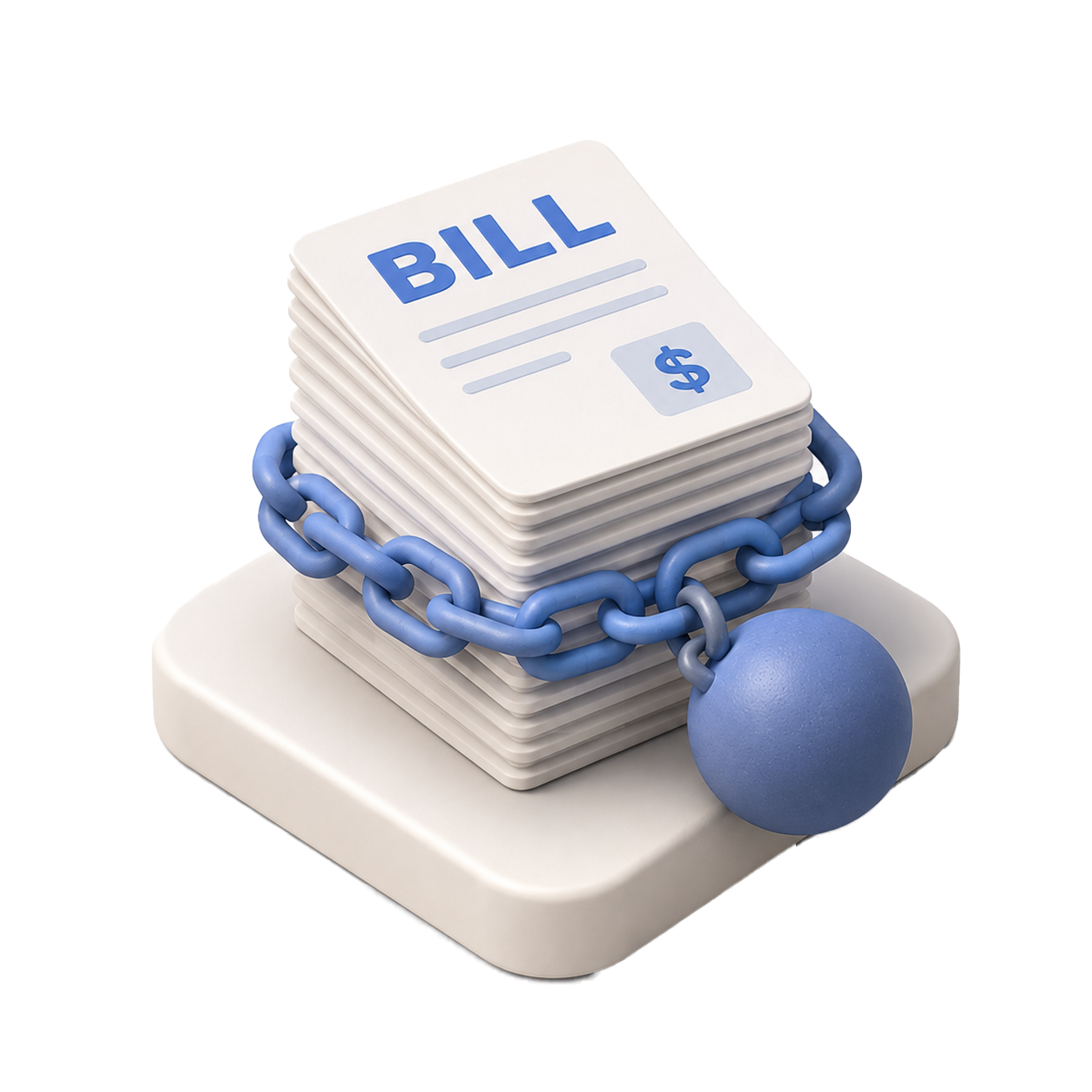
Each line looks insignificant on its own. Together, they quietly add up.
One click to subscribe. Nine pages and a phone call to cancel.
The less you remember, the more they collect. It's not personal, just business.
Subscriptions are designed to be forgotten. BillCrunch is designed to remember.
Stay in control
The price you accepted last year is not automatically a good price this year.
Most renewals are missed because the date is buried in an old email, hidden in an account portal, or not recorded anywhere useful.
When you know the amount and renewal date in advance, you get the choice back. You can compare the market, negotiate a better rate, downgrade, cancel, or confirm the price still makes sense.
Any of those options is better than noticing after the charge clears.
The time to shop around is before the renewal, not after the money leaves your account.
BillCrunch surfaces every renewal date and amount ahead of time, giving you enough notice to act before the decision is made for you.
400 × 300 px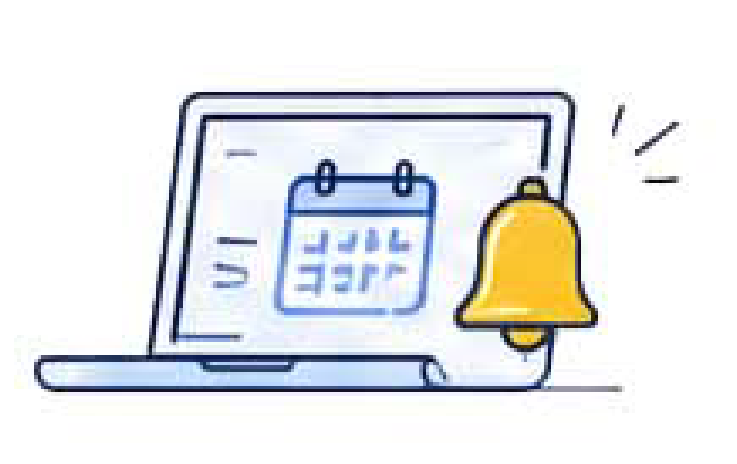
Purpose-built for people who want a clear, private view of their recurring costs.
Weekly, fortnightly, monthly, quarterly, half-yearly, yearly, one-off, or custom intervals. If a bill is irregular, BillCrunch handles it.
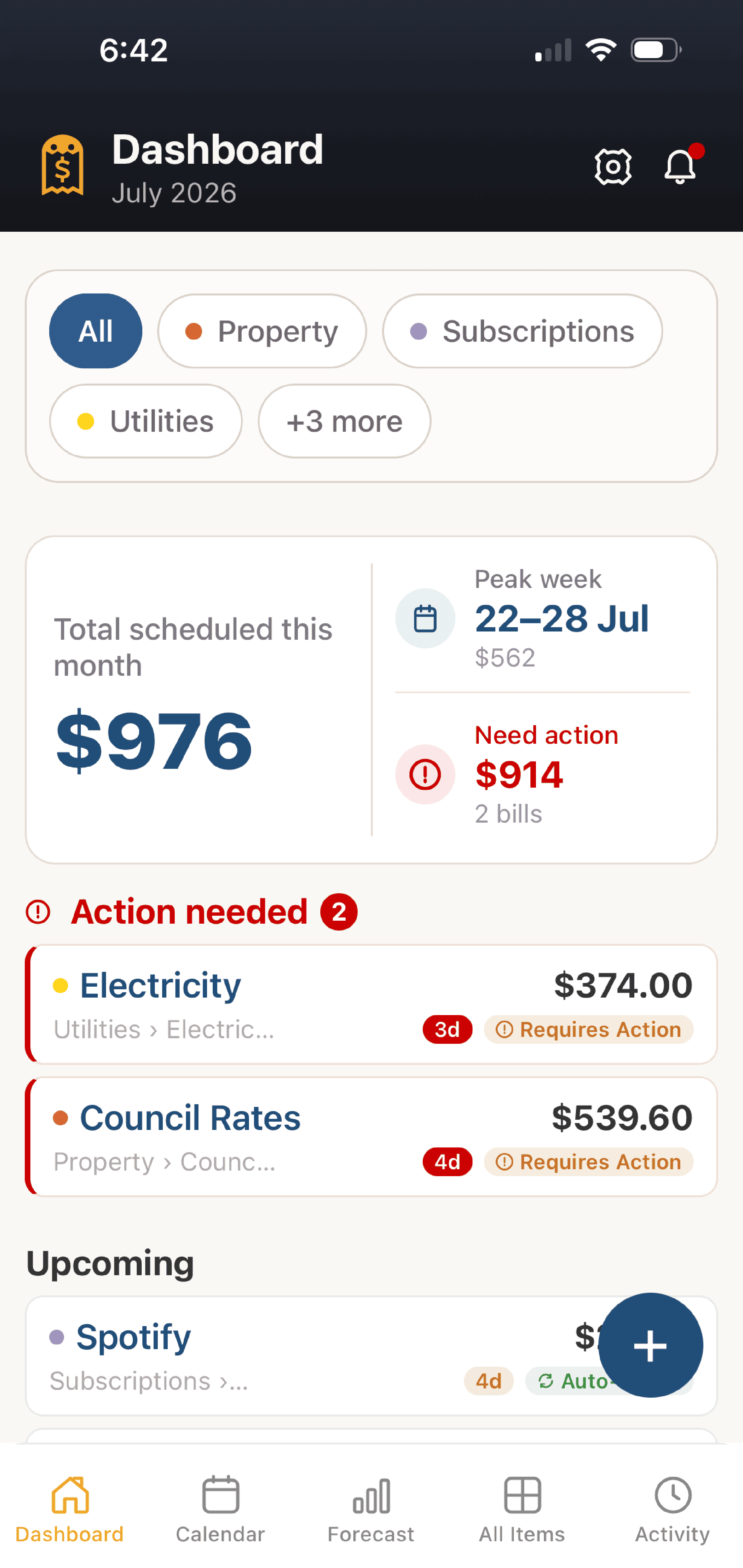
A triage view surfaces what's due now, monthly totals at a glance, and category filtering so you always know where your money is going.
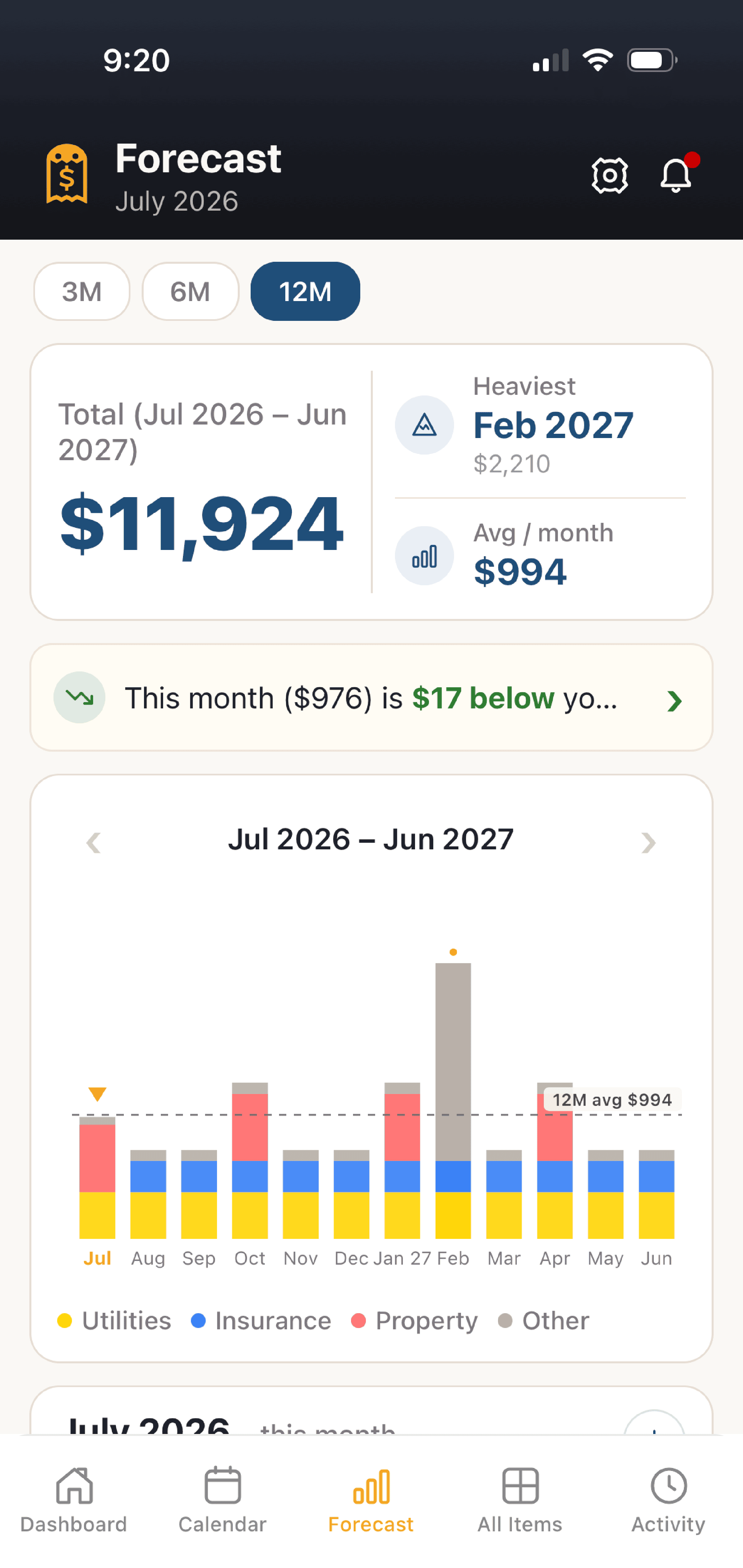
See every recurring obligation projected across the year ahead, bar-charted by category. Spot your peak month and your average monthly outgoing before they happen.
Confirm payments, log the actual amount paid, and let BillCrunch roll automatically to the next cycle. Full history and spend analysis always on hand.
Set lead-day alerts, for example 7 days out and 1 day out, with a confirm-payment action right from the notification. All local. No push servers.
Full JSON backup and restore. CSV export for spreadsheets. Factory reset when you want a clean slate. You own your data in every sense.
Standout feature
The 12-month forecast projects every recurring obligation forward, flags your peak spend month, and shows your average per month. No surprises.
Bar chart split by Property, Subscriptions, Utilities, Insurance, Vehicle, Personal.
Instantly know which month will hit your wallet hardest, and plan ahead.
When you log a payment with a different amount, the forecast adjusts automatically.
Getting started
Add subscriptions and bills in a few taps.
BillCrunch builds your 12-month forecast.
We notify you before payments are due.
Track payments and review your history.
A look inside
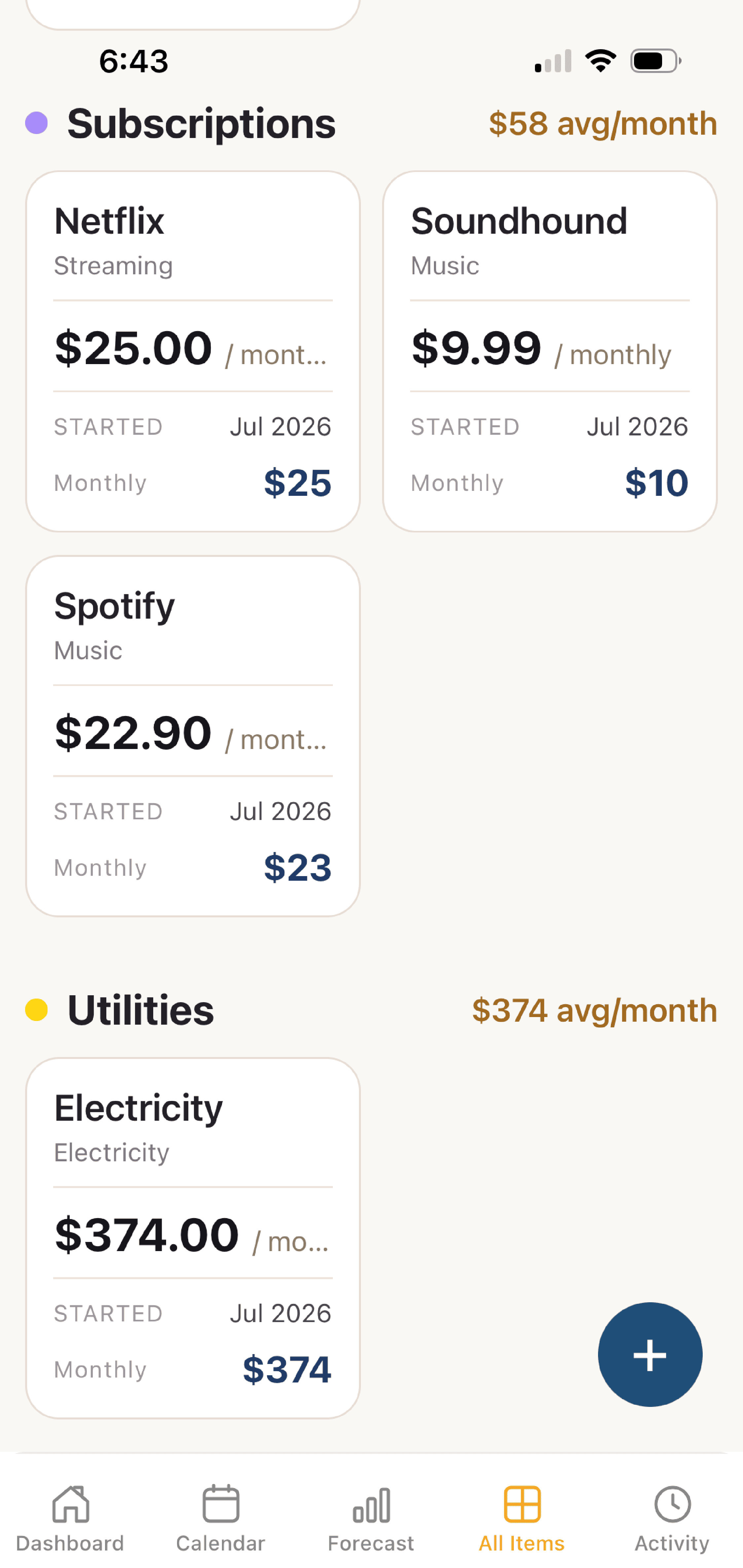
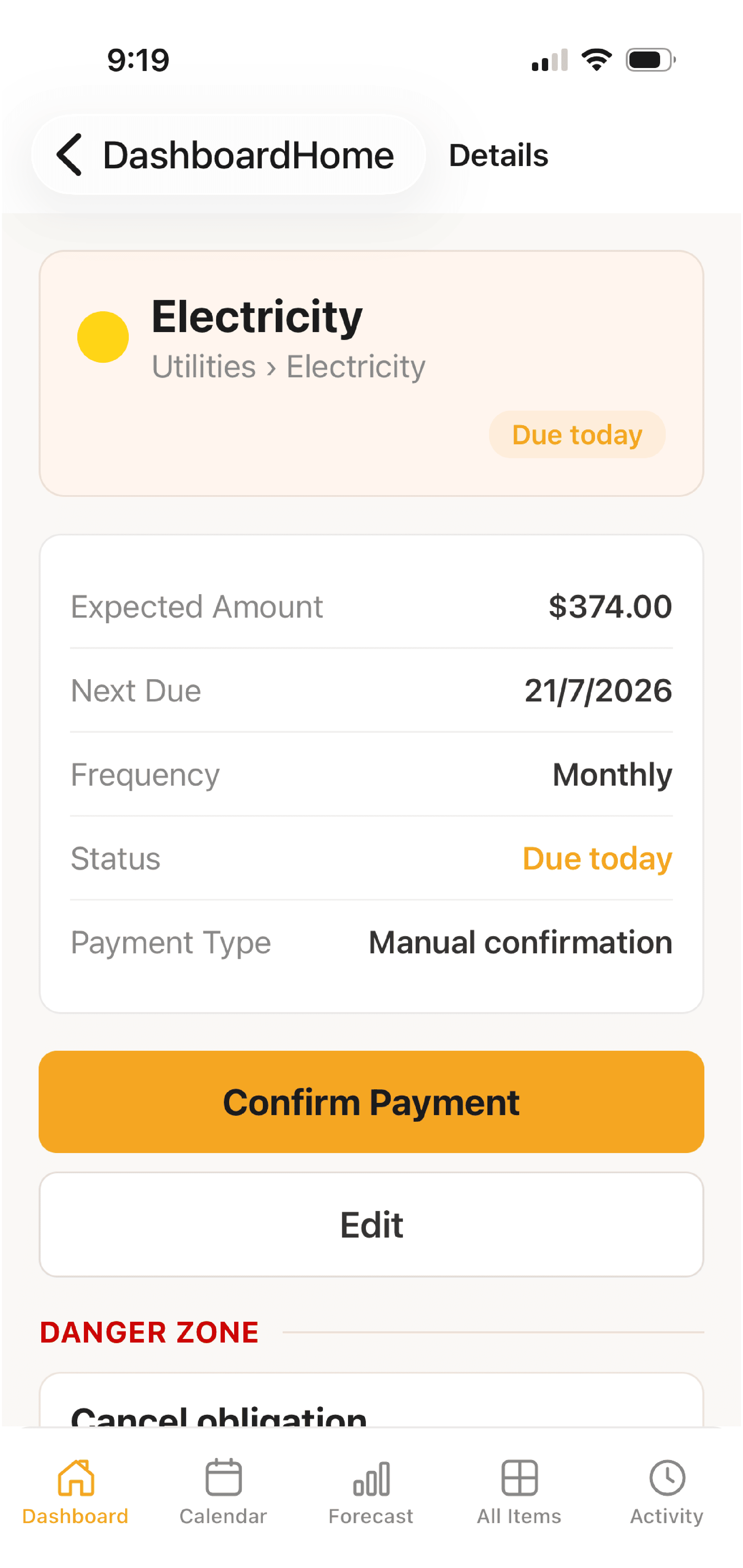
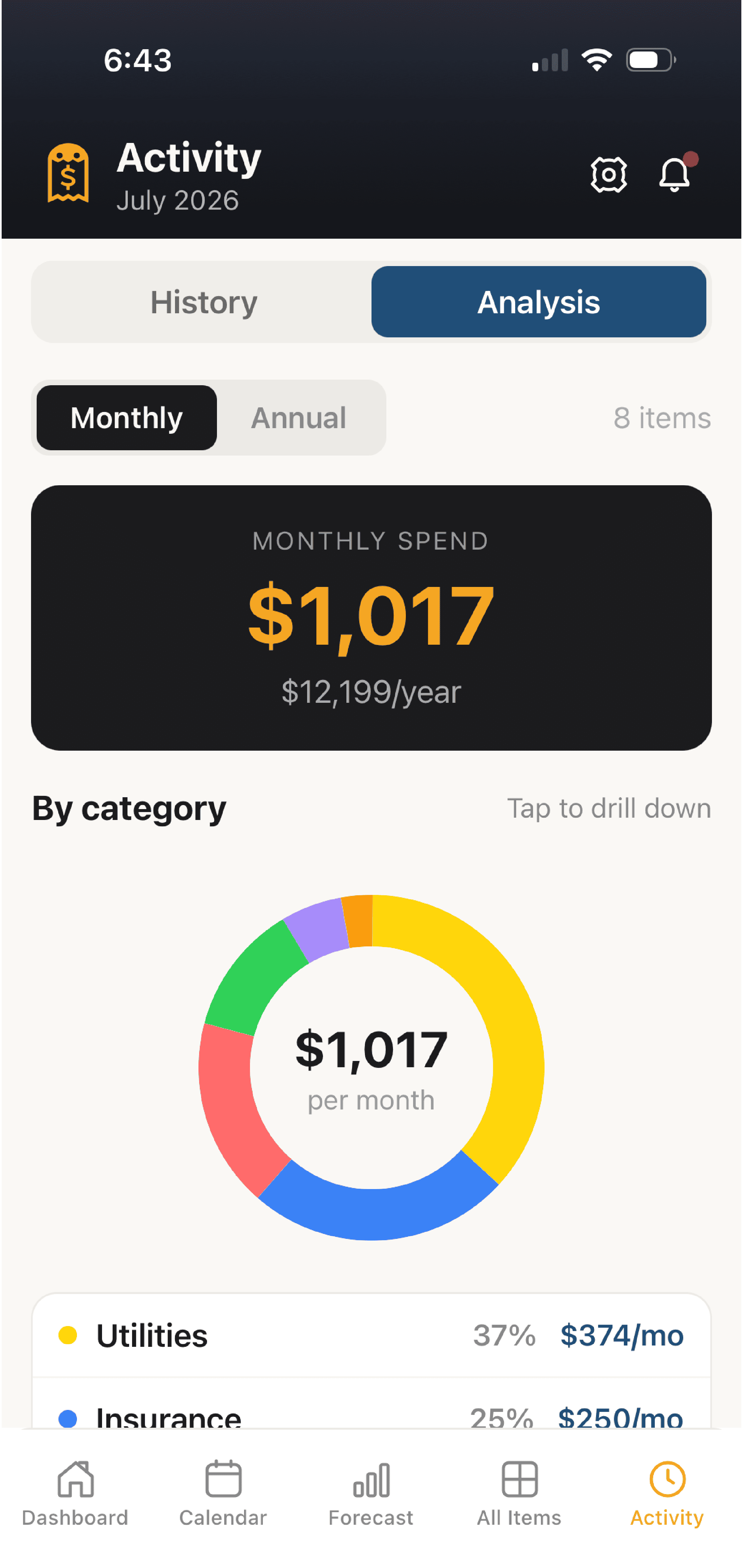
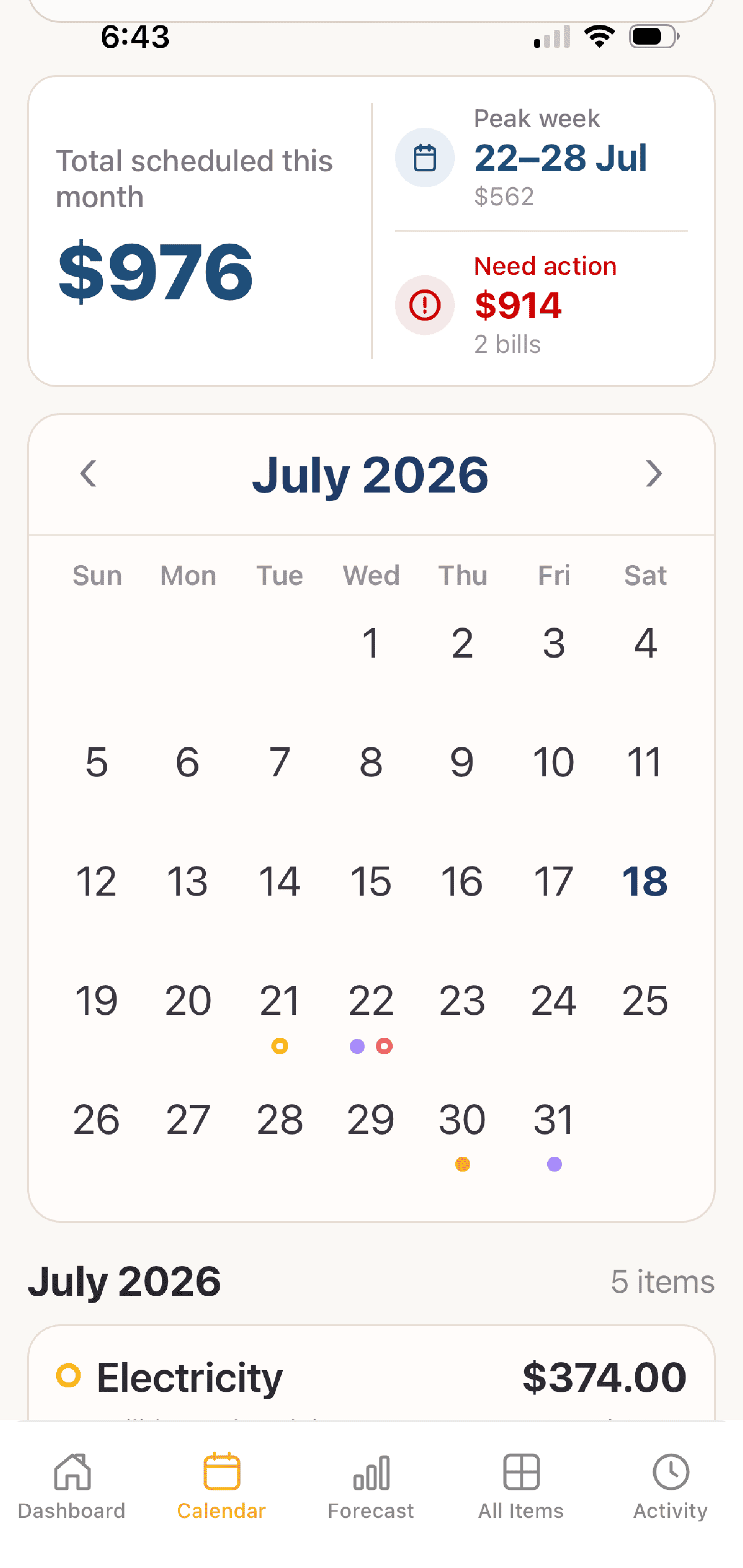
Privacy first
This is not a tagline. BillCrunch has no servers to talk to.
Nothing to sign up for. No email, no password, no identity. Install and use immediately.
The app works fully offline. Everything is stored in a local SQLite database on your device. No network calls, ever.
No analytics, no ad SDKs, no telemetry. The app cannot see what you do with it, and we do not want to.
Export a full JSON backup to any storage you choose. Restore it anytime. Factory reset wipes everything locally, instantly.
Questions
Yes. It is free to download and use, with no account to create and nothing to subscribe to.
Yes. Your bills are stored only in a local database on your device. There is no login, no cloud sync, and nothing is sent to a server. This website uses privacy-friendly, cookieless analytics and nothing more.
Completely. BillCrunch does not need a connection to work, because everything runs on your device.
Yes. Both the Android and iOS apps are available now, on Google Play and the App Store.
Fifteen, including AUD, USD, EUR and GBP. You pick one in Settings and every amount shows with that symbol.
Yes. Export a backup file from Settings, then import it on the new device. You can also export your history as a CSV.
From the founder
Built by a girl who got tired of how much she paid for owning nothing.
And she wasn't happy.